About Finalsite
Better tools. Stronger schools.
Finalsite is a software-as-a-service company that provides communications and content management solutions to educational institutions, particularly focused on K12 schools. In addition to their flagship content management system, Composer, Finalsite offers modules to help schools manage: calendars, forms, contacts, athletics, bulk email and text messaging, files, social media feeds, news and blogging, mobile apps, and more. While sites are designed and built internally with customized templates, and some content migration services may be included, clients are expected to use Finalsite’s tools independently after site launch.
Over the course of 7 years, and a period of explosive growth for the company, I worked to build scalable onboarding and product training opportunities for clients as well as Finalsite employees. From knowledge base articles and blog posts to recorded webinars and interactive video-based courses, I designed empowering learning experiences that helped multiple types of users make the most of their Finalsite tools.
Know your audience
Finalsite’s broad user base presented unique challenges for creating educational content to address their needs. A Finalsite user may be anyone from a teacher with no technical background building a form during her free period to a district IT administrator implementing sites for dozens of elementary, middle, and high schools. Finalsite’s granular user permissions allowed even parents and students to access Composer or any of its modules. Users’ needs varied widely depending on where they were in their journey, whether launching a new site, updating an existing one, or (often) taking over a site from a previous admin who didn’t leave adequate handover instructions. As a SaaS, Finalsite also released new features regularly (on a two-week agile cycle) that required additional training for even the most seasoned admins.
To ensure we were catering to our clients’ needs, whatever their background, I created three levels of user personas: User, Admin, and Superadmin. A User was someone who was creating content or using a module for its intended purpose, such as publishing a news article, sending a message, or building a form. They would almost never need to change the configuration settings for a module, which is where the Admin role comes in. Superadmin encompasses users still in the initial design (or redesign) phase and preparing for site launch, as well as district admins whose actions may impact multiple Composer instances. These roles are fluid, and a Superadmin may function as an Admin or even User the majority of the time.
Project: FORK
My first role at Finalsite was in their Support department. Because of my publishing and editorial background, I was invited to participate in Project: FORK (or Fix Our Resources/Knowledge base) in between answering tickets and phone calls. The Knowledge Base at the time comprised a few dozen Q&A articles adapted directly from ticket responses, hosted in Parature. Many were outdated, and there was no editorial style to speak of.
I conducted a needs analysis as I edited my way through the spreadsheet, identifying gaps and recommending new content. As part of the project, I collaborated with a colleague to produce a style guide for the department that aligned with the marketing department’s guidelines but addressed specific needs for Support content.
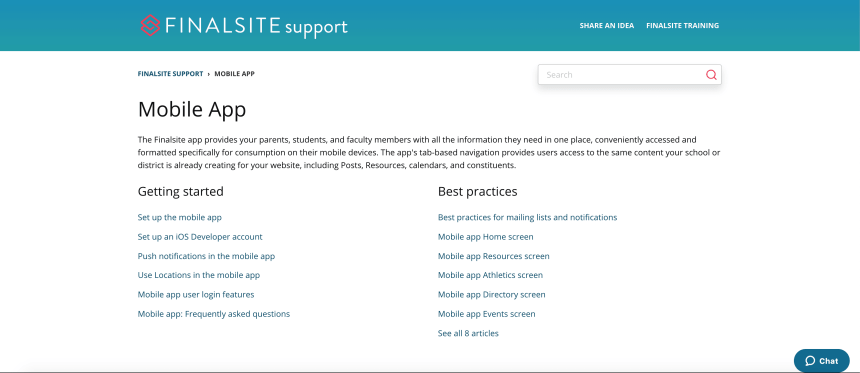
Finalsite Support soon outgrew Parature and moved their ticketing operation, as well as the knowledge base, to the Zendesk platform. We undertook much of the migration process manually, and I took a leadership role in the process. I corrected conversion errors in the raw HTML and trained colleagues on how to identify and resolve them. I took the opportunity to implement new styles, such as sentence case for headlines and consistent screenshot annotations, and I worked with Support’s design team lead to create custom notebox styles. I also determined the navigation and structure using Zendesk’s category and section features.
I wanted to encourage everyone in Support to document their knowledge to gain wider reach, so I aimed to elevate the professionalism and usability of the knowledge base without creating a complex system that served as a barrier to entry. Documenting style specs was key, along with limiting the rules to ones that are easy to follow and most impacted usability. Sentence case in headings, for example, is both easier to read and easier to implement correctly than title case. I happily reviewed articles and offered feedback, and I saw a significant increase in colleagues writing articles as well as linking to them in ticket responses.
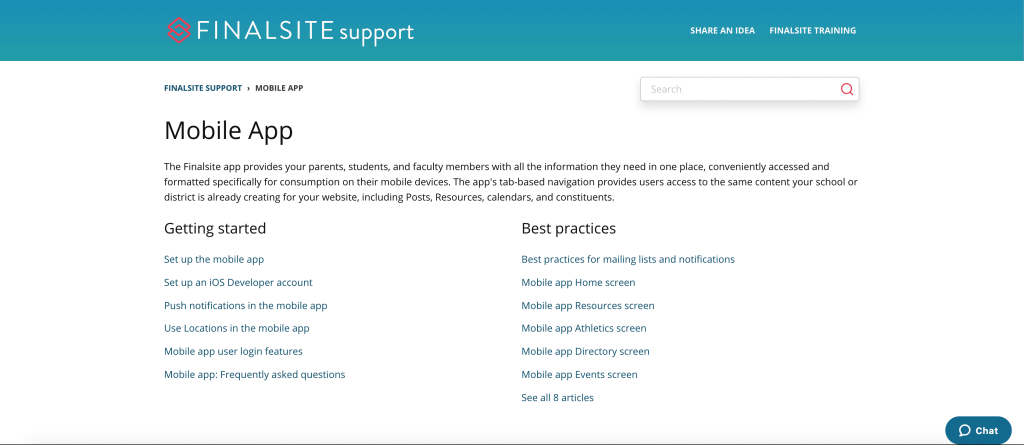
Some of my favorite articles are reproduced here, and more of my work is still available at Finalsite Support.
 Lauren B. Lentini